Build ads with the AI you already pay for.
A shared canvas where every prompt, model and edit is a node. Run them on your ChatGPT, Claude or Gemini subscription, or any API key, and review results with your team as they arrive.
Drag the nodes, or press Run to play the flow again.
Works with the accounts you already have
 ChatGPT
 Claude
 Gemini
 fal.ai
 Replicate
 Runway
 Higgsfield
 ElevenLabs
 ComfyUI
Use the AI plan you already pay for
Already subscribed to ChatGPT, Claude or Gemini? Log in and your nodes run on that subscription: no API key, and nothing billed per run. It uses the same allowance as the chat app, on Hobby and Pro plans.
- Log in once in the desktop appConnect ChatGPT, Claude or Gemini the way you would anywhere else. Image and text nodes then run on that plan.
- Your login stays on your computerCredentials never leave your computer. Only prompts and results pass through the board.
Local accounts
- ChatGPTPlus plan, images and textConnected
- ClaudeMax plan, textConnected
- GeminiGoogle AI Pro plan, images and textConnected
Logins stay on this computer.
 GPT Image 2ChatGPT, your subscriptionChatGPTSubscription
No API key needed
Or plug in any API key
Mix subscriptions, API keys and local models on one board. Switch a model node between accounts without losing its prompt or settings, and runs are billed by your provider at their price.
- Any API keyfal.ai, Replicate, Runway, Higgsfield, ElevenLabs, ComfyUI Cloud, OpenAI, Gemini and Claude. Keys are encrypted and never shown again.
- Share keys, not secretsShare a key with your workspace and editors can run it. Nobody can read or copy it.
- Your own GPUPoint a node at a local ComfyUI server and run your own workflows.
Run via
- ChatGPTSubscription
- OpenAIAPI key
- fal.aiAPI key, shared by Studio
- ReplicateAPI key
- ComfyUIThis computer
Every step is a node
References, prompts, models and edits sit on one canvas, wired together. Wires are coloured by what flows through them, and unchanged steps are reused instead of run again.
- TextPrompts with variables, GPT, Claude and Gemini, OCR
- ImageImage models, background removal, crop, resize, masks, filters
- VideoImage-to-video, text-to-video, frames, contact sheets
- AudioText-to-speech voices, trim, gain, speed, fades
- 3DText-to-3D models with a live preview
One board for the whole team
Designers, marketers and clients work on the same canvas at the same time. Each field is edited by one person at a time, so nobody overwrites anyone.
- Live cursorsSee who is on the board and what they are changing.
- Editors and viewersInvite people to a workspace or to a single board.
- Share linksSend clients a read-only link to the board and its results.
- Run historyEvery run is kept, so you can compare and go back.
Brief
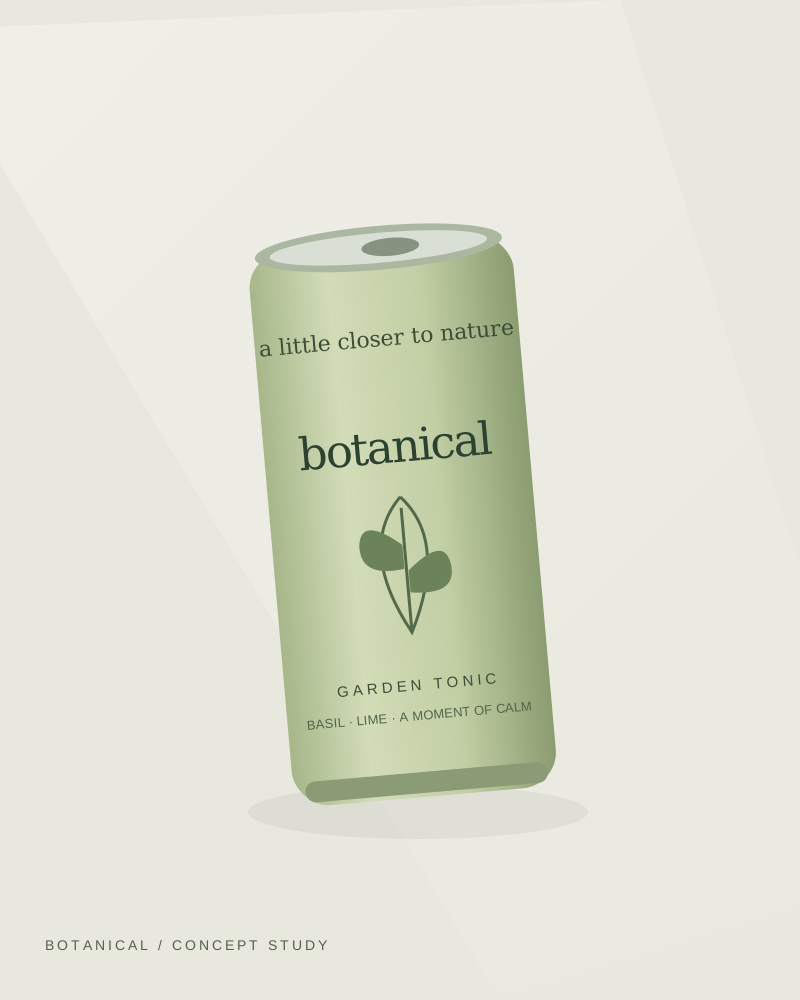
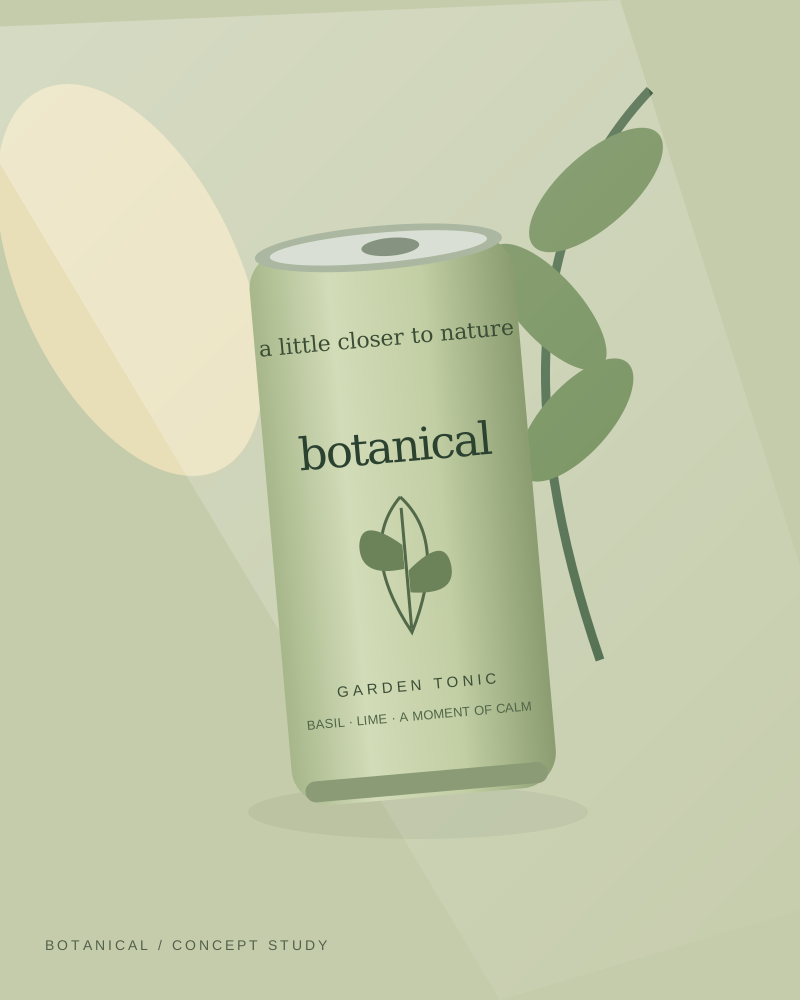
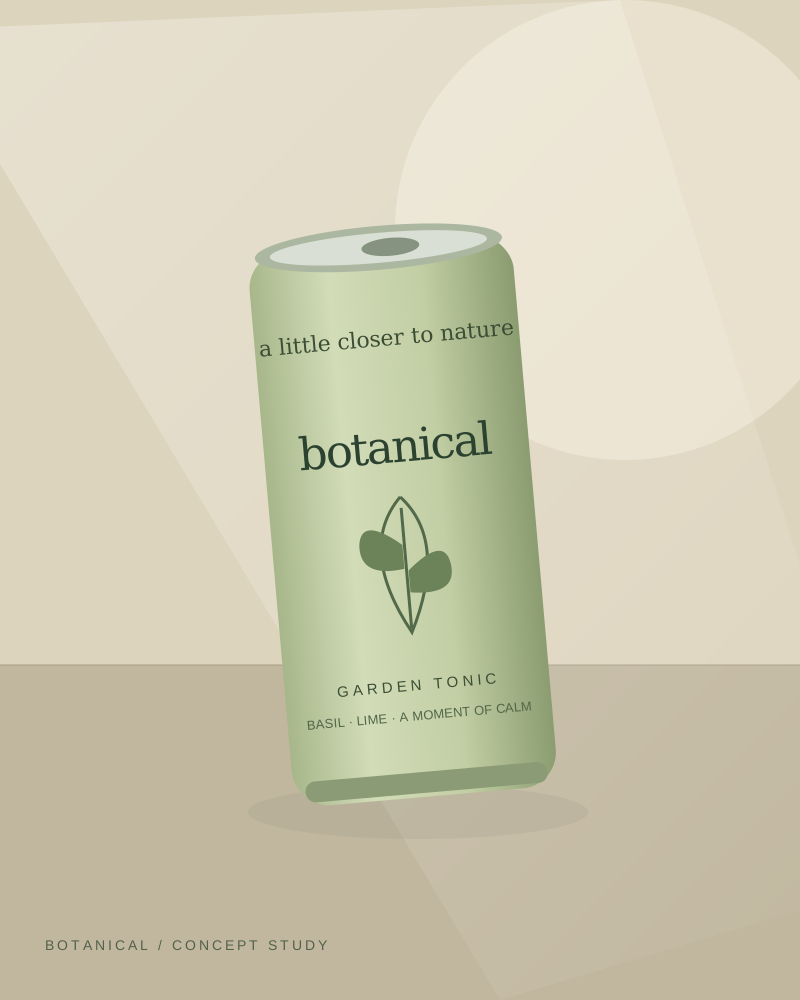
Same can on a sunlit kitchen counter, basil leaves
Maya is editing
Lifestyle
4 results, 1 approved
Keep every take
Each run is saved with the model and account that made it. Compare versions side by side, approve the one you want, and only that one flows on to the next step.
- GPT Image 2ChatGPT, Just nowApproved
- Nano Banana Profal.ai, 12 min agoCompare
- Flux KontextReplicate, YesterdayCompare
From the approved take
Let your assistant drive
Connect Claude or any MCP client to your boards. Ask it to add steps, swap models or run a flow, and watch the changes land on the canvas.
ClaudeConnected to NoderlyMake 9:16 versions of the approved lifestyle shot for Stories.
Added a resize node after Lifestyle on Garden tonic launch and ran it. Three 9:16 images are on the board.
From Lifestyle
Start from a flow that works
Open a finished board, see every node that made it, and copy it into your workspace to make it yours.
- 4 nodesAdsProduct restyleRestage a packshot in a new setting while keeping the label sharp.
- 5 nodesSocial videoImage-to-video adTurn one approved still into a five-second clip for social.
- 6 nodesE-commerceStudio packshotsClean backgrounds and consistent light across a whole product range.
- 5 nodesCreative testingCompare modelsSend one brief to two models and pick the better result side by side.
Pay for the canvas, not the AI
Plans cover boards, storage and your team. Model runs go through your own accounts.
FreePlan
Try the canvas on your own, processing on your device.
$0 foreverNo card needed
Create your account- 3 active boards
- 1 GB storage
- Device processing only
- Use shared flows
- Just you as editor
HobbyPlan
For creators running their own AI accounts.
$15 per monthBilled monthly
Start with Hobby- Unlimited boards
- 20 GB storage
- Your own API keys, local SDK and MCP
- Reusable flows
- Team mode and funded seats
ProPlan
For studios and teams with large media libraries.
$40 per monthBilled monthly
Start with Pro- Unlimited boards
- 250 GB storage
- Your own API keys, local SDK and MCP
- Reusable flows
- Team mode and funded seats
Showing monthly prices